


When people talk about internet performance, they often mention speed, bandwidth, latency or buffering. However, there’s another crucial factor that can significantly affect your online experience—jitter. This term might not be as well-known, but it plays a vital role in how smoothly your internet connection performs, especially during video calls, online gaming, or VoIP communications.
So, what is jitter, how does it impact your network, and why should you care? This post offers a complete explanation, how it works, what causes it, and how you can reduce or eliminate it.
What is Jitter in Networking?
In the context of internet and networking, jitter refers to the variation in the time delay between data packets traveling across a network. Ideally, when data is sent from one point to another—like during a Zoom call or online game—it should arrive at regular intervals. However, due to network congestion, interference, or hardware limitations, these packets can arrive out of order or with inconsistent timing.
This variation in delay is what we call jitter. It’s usually measured in milliseconds (ms) and is a key indicator of the quality and stability of a connection, particularly for real-time services.
Why is Jitter a Problem?
High jitter can severely disrupt your online experience, even if your internet speed is technically fast. This is especially noticeable in applications that rely on continuous, real-time data flow:
- VoIP calls (e.g., Skype, Zoom, WhatsApp): you may hear echoes, robotic voices, or dropped words.
- Online gaming: actions may be delayed or inconsistent, affecting gameplay accuracy.
- Streaming and live broadcasting: you might experience buffering or poor-quality playback.
- Video conferencing: lip sync issues or pixelated images can disrupt communication.
In most networks, jitter below 30ms is considered acceptable, while anything above 50ms can lead to noticeable performance issues.
What Causes Jitter?
There are several reasons jitter may occur in a network. Understanding these can help diagnose and solve the problem.
1. Network congestion
When too many users or devices are using the same network at once, data packets compete for bandwidth. This can cause some packets to be delayed, resulting in jitter.
2. Hardware limitations
Older routers, modems, or network switches may not be able to handle high volumes of traffic, especially when multiple high-bandwidth activities (like 4K streaming or gaming) happen simultaneously.
3. Wireless interference
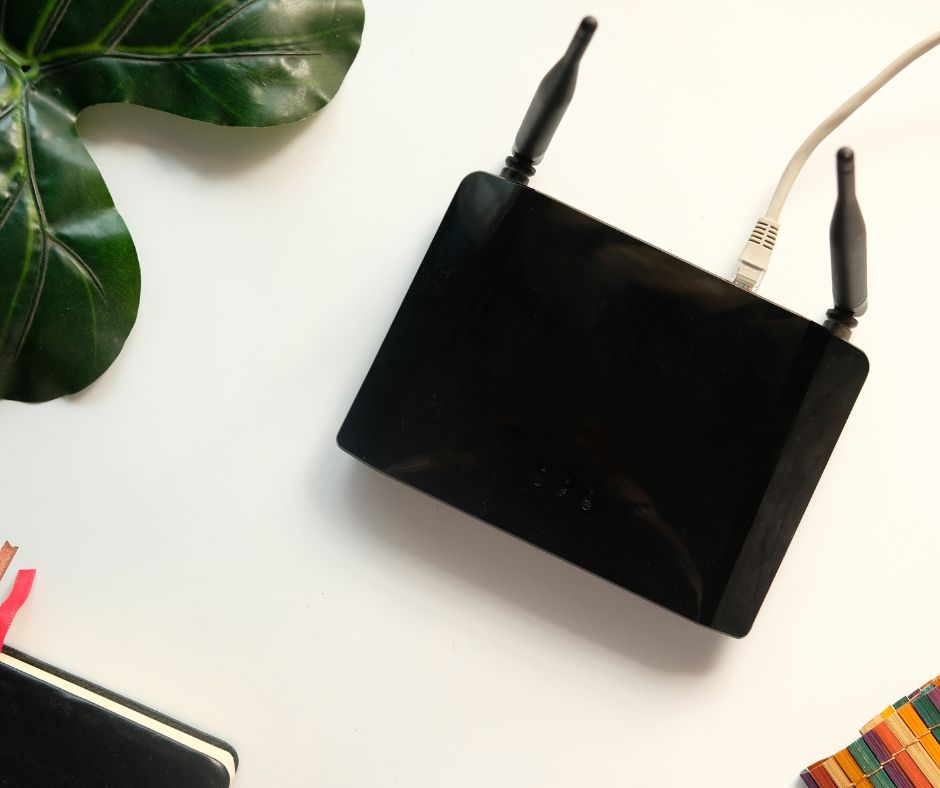
Wi-Fi networks are more prone to jitter than wired Ethernet connections. This is due to interference from other wireless devices, walls, or signal overlap with neighboring networks.
4. Routing issues
If the data packets take different paths across the internet, it can lead to delays and inconsistent delivery, especially if one path is slower or more congested.
5. ISP-Related problems
Sometimes, the problem lies outside your home network. Internet service providers (ISPs) may experience issues with their infrastructure, leading to jitter and other network performance problems.
How to Measure Jitter
You can easily measure jitter using online tools or built-in diagnostics in some routers. Recommended tools include:
These platforms typically display ping, jitter, and packet loss, giving you a clear picture of your network quality.
What is an Acceptable Jitter Value?
- 0–20ms: Excellent – Ideal for gaming, video calls, and streaming.
- 20–50ms: Acceptable – May cause slight disruptions in real-time applications.
- 50–100ms: Poor – Noticeable issues with communication and responsiveness.
- 100ms and above: Unacceptable – Severe disruption for most real-time uses.
How to Reduce Jitter
Reducing jitter often requires a combination of network upgrades, smart configuration, and better internet practices. Here are some proven methods:
1. Use a wired ethernet connection
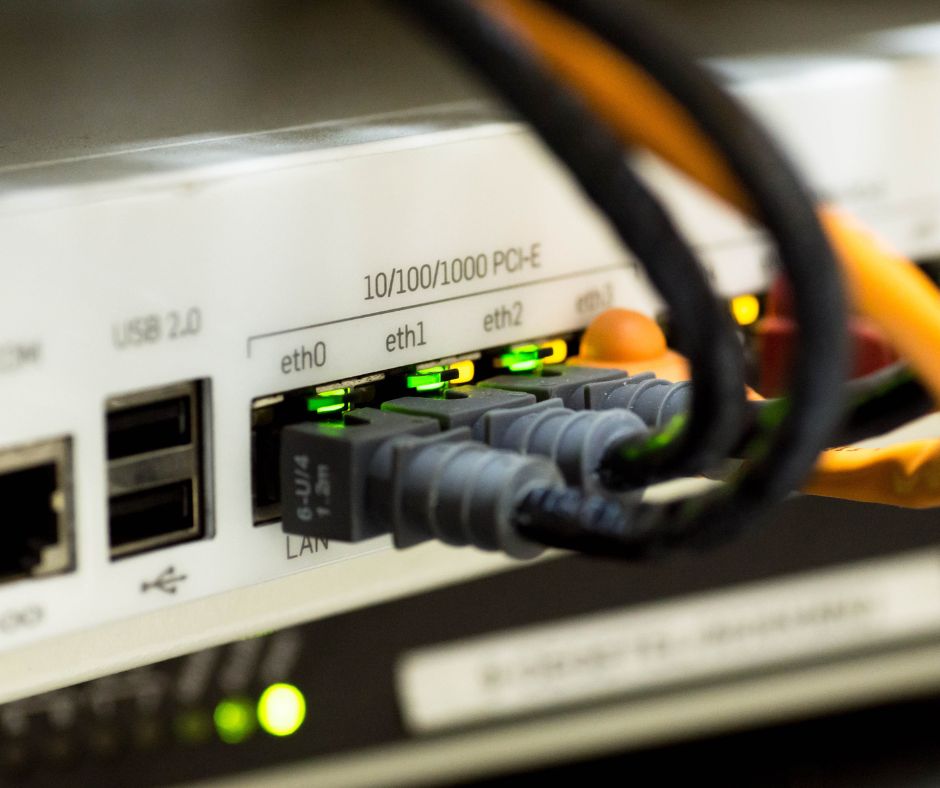
Wi-Fi is convenient, but it’s also less stable. A wired connection provides a consistent data flow, reducing both jitter and latency.
2. Upgrade your router or modem
Modern routers are designed to handle multiple devices and high-speed connections efficiently. Look for models with Quality of Service (QoS) settings, which prioritize real-time traffic like VoIP and gaming.
3. Limit network traffic
Too many devices streaming or downloading simultaneously can create congestion and packet delay. Schedule large downloads or use bandwidth-limiting tools to free up bandwidth for real-time apps.
4. Optimize QoS settings
If your router supports Quality of Service, enable it to prioritize certain types of traffic—such as Zoom, Teams, or online games—over background downloads and updates.
5. Contact your ISP
If you’re consistently experiencing jitter despite a strong home setup, the issue might be with your provider. Ask if they offer low-latency services or check whether your area is experiencing network congestion.
6. Upgrade your internet plan
Low-tier internet plans may not provide the bandwidth or quality needed for jitter-sensitive activities. Consider switching to fiber optic internet, which offers better reliability and lower latency.
Jitter vs Latency: What’s the Difference?
It’s easy to confuse jitter with latency, but they measure different things:
- Latency is the total time it takes for a data packet to travel from source to destination.
- Jitter is the variation in time between data packets arriving.
You can have low latency but high jitter, which still leads to an unstable connection. Both metrics are important, especially for time-sensitive applications.
Why Jitter Matters More Than You Think
While it may not be as widely discussed as download speed or latency, jitter is one of the most important metrics for evaluating internet quality. It directly affects your ability to use real-time apps smoothly, from virtual meetings to competitive gaming.
By understanding what jitter is, how it works, and how to reduce it, users can take control of their network performance and create a more stable and satisfying online experience. Whether you’re a remote worker, a gamer, or someone who just wants smooth video calls, managing jitter is key to getting the most out of your internet connection.